
About This Agent
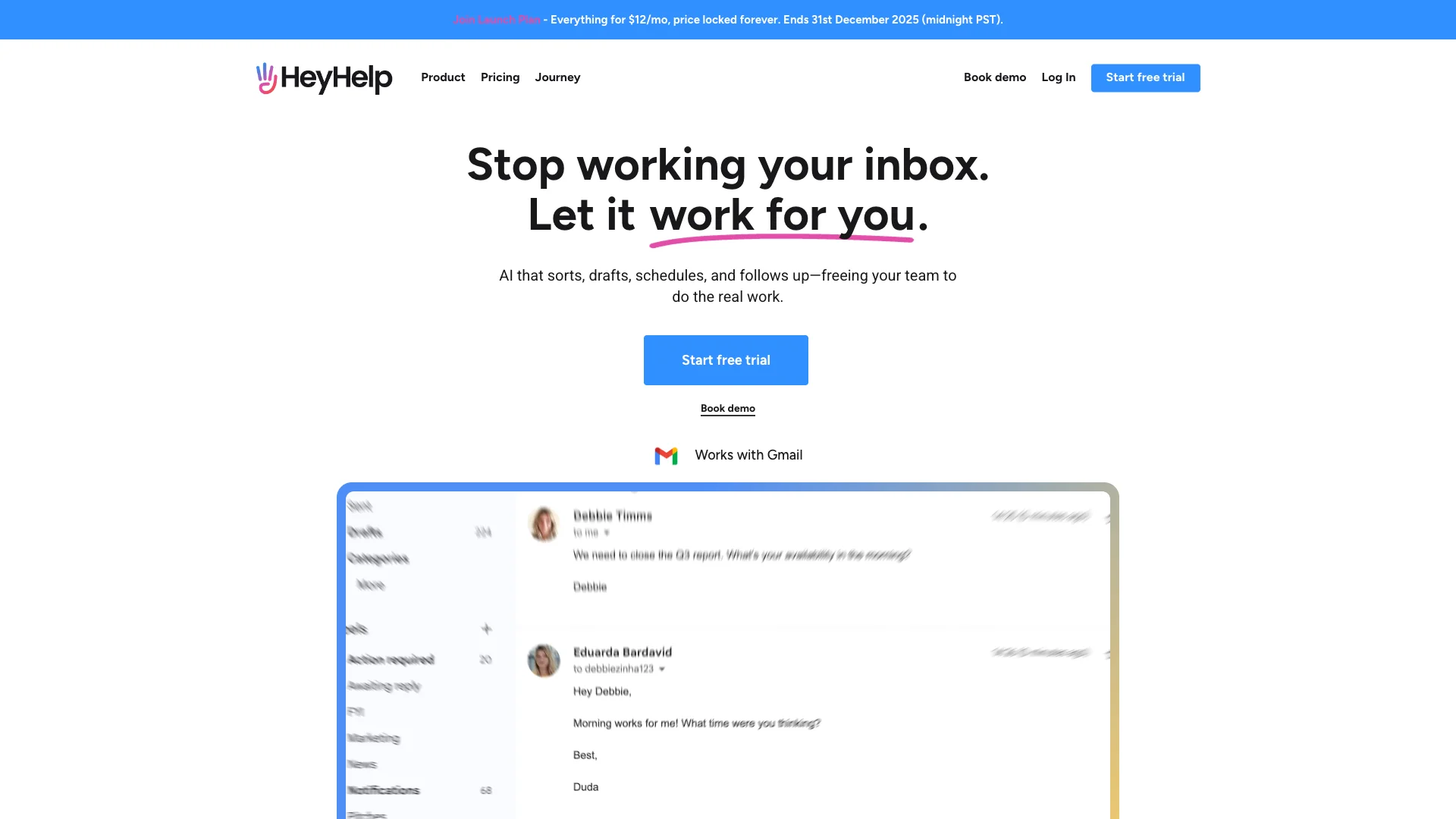
HeyHelp, listed in the directory as Hey Help, is an AI assistant that works inside Gmail. Official pages describe sorting, tagging, and archiving mail, drafting replies, and learning from how you work, so daily email tasks can happen without leaving Gmail. It already belongs with executive workplace and cognitive assistants. People who live in Gmail can use it when they want drafts and organization in the inbox they already have, rather than a separate mail client. This rewrite follows official Gmail-assistant language and does not repeat time-saved marketing claims.
Agent Capabilities
- AI-powered email sorting with priority detection and folder auto-labeling
- Context-aware draft generation that mimics your writing style
- Automated follow-up scheduling with smart reminders and escalation logic
- Calendar integration for meeting scheduling and conflict resolution
- Self-learning engine that adapts to your communication patterns over time
- Customizable AI engines for industry-specific terminology and tone
- Native Gmail integration with one-click setup and Chrome extension
- Enterprise-grade security with encryption, access controls, and audit logs
- CRM and tool synchronization for unified customer context
- Analytics dashboard for tracking response times and productivity gains
Primary Workflows & Use Cases
- Cross-border e-commerce operations: automate order status replies and shipping notifications across multiple time zones.
- Performance creative testing: consolidate stakeholder feedback into concise action items and next steps.
- Automated outbound sales: generate personalized follow-ups and schedule discovery calls with prospects.
- Software engineering teams: distribute sprint updates and automate standup summary emails.
- Customer care triage: categorize incoming tickets and suggest resolution paths for support agents.
Similar Executive Workplace & Cognitive Assistants Agents
Explore alternatives and related autonomous systems in this category.
Writers keep drafts, lists, outlines, and mind maps in a quiet, distraction-free workspace that syncs across phones, tablets, and computers, and still works offline. Effie AI—called a personal AI assistant on the product site—can summarize or outline a passage, shorten or expand it, change tone, translate, and fix spelling and grammar. Finished work exports to PDF, Word, Markdown, and shareable photo strips.
AnyModel is listed as a workspace that brings many language and image models together in one interface, but anymodel.xyz could not be reached during this review. A reviewer should confirm whether that address still hosts the product and whether the listing should remain. A personal or team multi-model chat surface belongs with executive workplace and cognitive assistants, not a catch-all operations category. Until official pages can be read, this description is only a category correction and not a full product brief.
 Wordware
 is now presented officially as an AI context lab whose main product is Sauna, an assistant and workspace built to accumulate context and help with deep work. Official pages describe Sauna learning a user’s taste, noticing patterns, and working alongside someone to cut busywork, rather than the earlier Wordware framing as a programming or operations tool. Because the public brand and product name have changed, a reviewer should confirm whether the directory should still be titled Wordware, should mention Sauna, and whether the website is current. As described today, Sauna is a workplace assistant, and the listing belongs with executive workplace and cognitive assistants.
 Lobby AI
Lobby is a personal AI product that models how you work and helps coordinate email and related tools. Official pages describe a predictive email workflow agent that learns your judgment, connects to calendars and other apps, and proposes end-to-end email workflows for you to approve rather than asking you to write prompts for every step. It is a personal workplace assistant, not a generic enterprise-operations or digital-workforce platform. Lobby belongs with executive workplace and cognitive assistants. People who spend a lot of time on email can use it when they want the agent to propose a next step and wait for approval instead of asking for a new prompt on every message. Official pages also mention calendar connections as part of that workflow.
Community & Channels
Are you the author of Hey Help? Claim your official badge.